
Understanding the Impact of Digital Distractions in Remote Work
Common Sources of Digital Distractions at Home
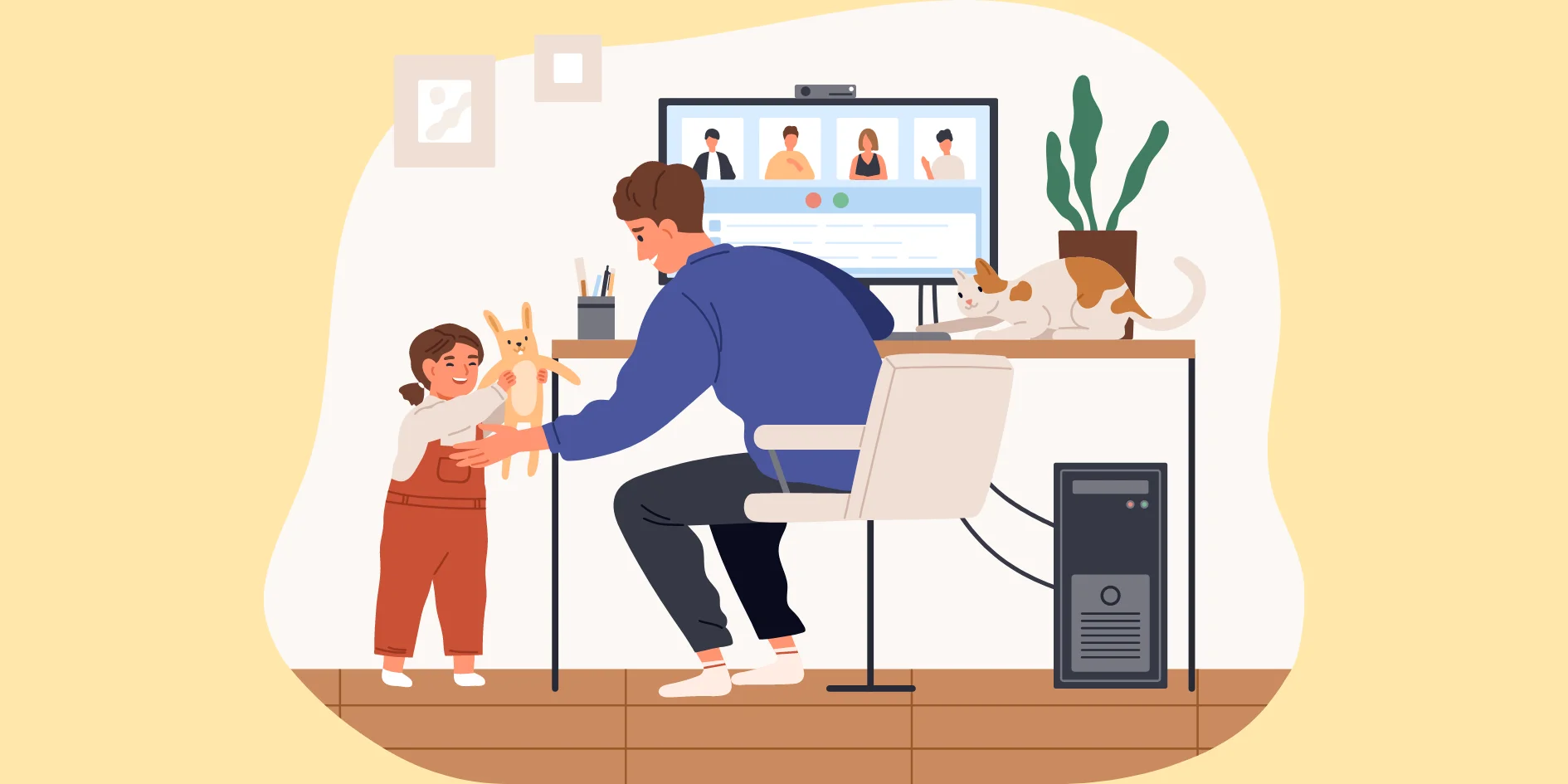
Working from home brings convenience but also introduces numerous digital distractions that disrupt workflow. Frequent notifications from social media, instant messaging apps, emails, and even news alerts constantly pull attention away from critical tasks. Additionally, the temptation to browse websites or check smartphones during work hours can reduce focus. Unlike traditional office environments, home setups often lack natural boundaries that discourage such interruptions, making it easier to fall into distraction patterns.
How Digital Interruptions Affect Productivity and Focus
Digital interruptions, even if brief, break concentration and reduce the quality of work produced. Every time the mind switches attention, it takes time to regain full focus, causing cumulative delays and mistakes. Over time, constant distractions can lead to elevated stress levels and decreased job satisfaction as tasks pile up or take longer than expected. Recognizing this impact is crucial because addressing digital distractions directly improves both efficiency and mental well-being.
Setting Up a Distraction-Free Digital Workspace
Optimizing Your Home Office Environment
The physical setting where you work plays a significant role in minimizing digital distractions. A clutter-free desk with minimal non-essential gadgets reduces opportunities for digital wanderings. Position your computer and devices to face away from distracting elements like windows or busy rooms. Creating a dedicated workspace, even if limited in size, signals to your brain that it’s time to focus, helping to build a mental separation between work and leisure.
Essential Tools and Apps to Block Interruptions

Many effective tools exist to limit digital disturbances. Focus-enhancing apps can block access to distracting websites or mute unnecessary notifications for selected periods. Some popular options include website blockers and “do not disturb” modes which allow you to customize what can interrupt you and when. Integrating these tools into your workflow helps prevent unplanned digital diversions and encourages sustained attention on the tasks at hand.
Time Management Strategies to Combat Digital Distractions
Using the Pomodoro Technique with Tech Breaks
The Pomodoro Technique divides work into focused intervals, typically 25 minutes long, followed by short breaks. This method helps maintain intense concentration knowing a rest is coming soon, reducing the urge to check devices impulsively. Incorporating tech breaks specifically designated for catching up on messages or social media ensures these activities don’t encroach on productive periods. Over time, this balance enhances both focus and mental stamina.
Scheduling Dedicated Focus Periods
Setting clear blocks of time exclusively for deep work is another key strategy. During these periods, all digital distractions should be minimized using tools or manual settings on your devices. Communicating these focus windows to colleagues or household members can reduce interruptions from external sources. By cultivating an awareness of when to work intensely and when to relax, it’s possible to build a rhythm that protects productivity within the flexible home environment.
Behavioral Changes to Strengthen Digital Discipline
Establishing Digital Boundaries and Routines
Forming routines that limit unnecessary device usage during work hours helps build discipline against digital distractions. This might include setting specific times to check emails or social media instead of responding the moment a notification arrives. Consistently following these boundaries retrains automatic habits, reducing impulsive multitasking. Over time, such deliberate routines support sustained attention and create a professional mindset even outside traditional workplaces.
Mindfulness Practices to Improve Attention
Mindfulness techniques strengthen cognitive control by enhancing awareness of one’s focus and distractions. Simple practices like brief meditation or deep breathing exercises can reset the mind when digital interruptions cause stress or scatter attention. Practicing mindfulness regularly encourages better recognition of distraction triggers and improves the ability to bring focus back quickly. This heightened self-awareness complements technical solutions for a comprehensive approach to managing digital distractions.
Leveraging Technology Wisely
Notifications: How to Customize and Control Alerts
Many digital distractions stem from poorly managed notifications that demand immediate attention. Customizing which apps can send alerts and disabling non-essential notifications during work hours can substantially reduce interruptions. Some devices allow setting priority notifications, ensuring only important messages break through focus sessions. Taking control of notifications prevents fragmented attention and helps maintain a calmer, more productive digital atmosphere.
Utilizing Built-in Operating System Features for Focus
Modern operating systems offer built-in features designed to enhance focus, such as “Focus Mode” or “Do Not Disturb” settings. These options enable users to temporarily silence alerts, block pop-ups, and restrict app usage during selected times. Learning to activate and configure these features according to your work schedule turns your technology from a source of distraction into a tool that supports concentration and task completion.
Conclusion: Building Sustainable Habits for Long-Term Success
Minimizing digital distractions during work-from-home hours requires a combination of environmental adjustments, mindful behavior changes, and smart use of technology. Understanding the sources and impacts of distractions motivates proactive steps to create a focused workspace and disciplined routines. By integrating effective time management methods and leveraging digital tools wisely, remote workers can protect their productivity and well-being. Ultimately, cultivating sustainable focus habits ensures long-term success in maintaining efficiency and balance in a digital-first work environment.


